What Should a Motivational Speaker Website Include? A Planner's Checklist
What should a motivational speaker website include? Use this planner's checklist to add the video, topics, proof and booking details that win more gigs.
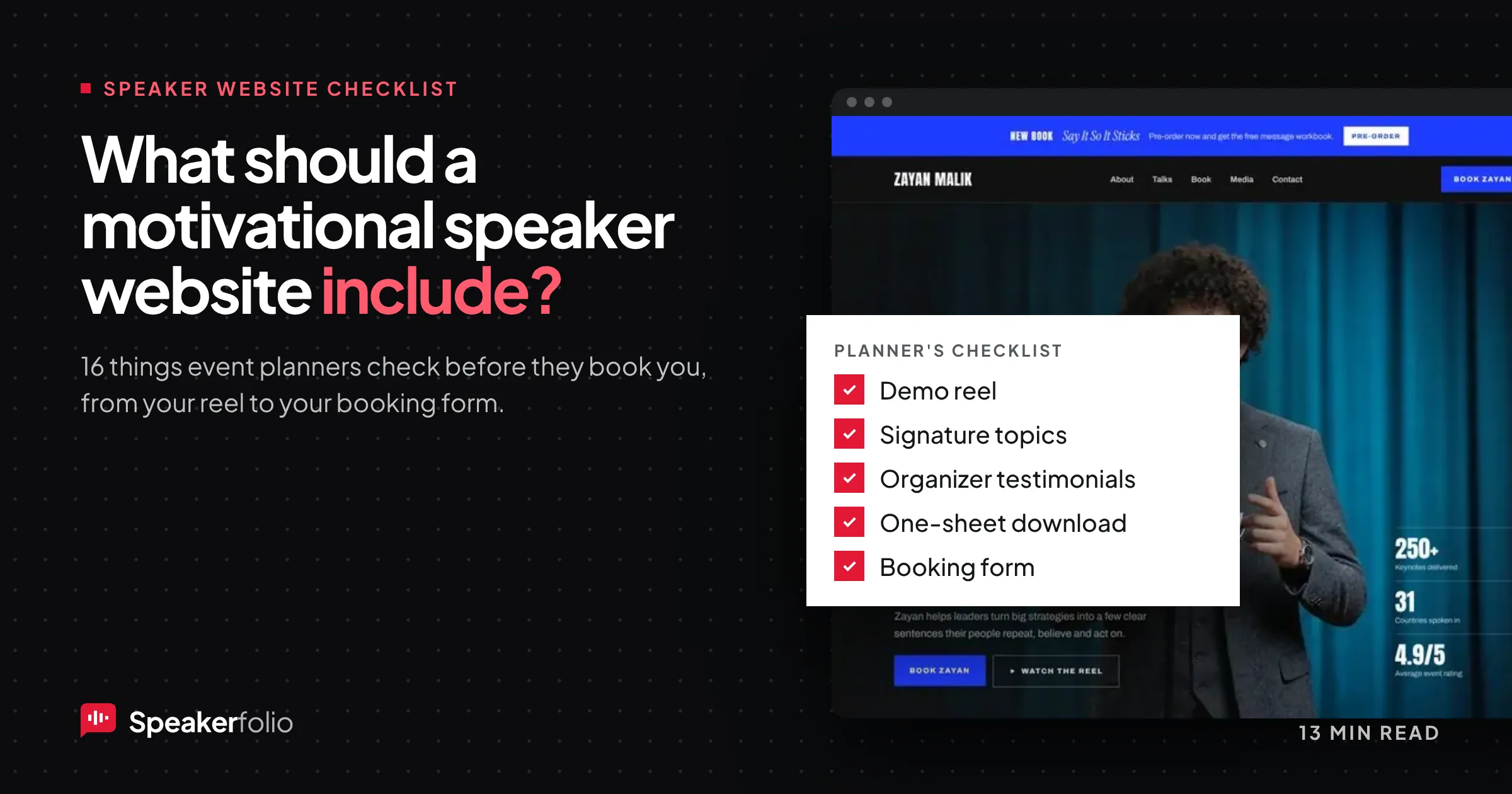
An event planner has a shortlist of five speakers and an afternoon to decide. They open five browser tabs. Within a few minutes, two of those tabs are closed.
They didn't close them because the speakers were bad. They closed them because the websites didn't answer the planner's questions fast enough. Where's the video? What does this person actually talk about? Have they spoken to an audience like mine? How do I check if they're free on 14 May?
This guide looks at your motivational speaker website from the other side of the screen. It's built around the questions planners, meeting organizers and speaker bureaus ask when they review a speaker, and it turns those questions into a checklist you can work through section by section.
If you're building your site from scratch, Speakerfolio builds a one-page speaker website for you, free, with these sections already in place. If you already have a site, use the checklist as an audit.
How event planners actually review a speaker website
Before the checklist, it helps to know what a planner is doing when they land on your site. In most cases, they're not browsing. They're trying to rule you in or out quickly, and then defend their choice to someone else: a boss, a committee or a client.
That gives a planner four jobs:
- Check fit. Does this speaker talk about the theme of our event, for an audience like ours?
- Check quality. Are they actually good on stage? Will the audience stay in their seats?
- Check risk. Have other organizers booked them and been happy? Will they be easy to work with?
- Check logistics. Are they available, roughly in budget, and easy to contact?
Every item in the checklist below serves one of those four jobs. If something on your site doesn't help a planner check fit, quality, risk or logistics, it's probably clutter.
Tip: Planners often share your link with people who never met you. Write every page so it makes sense to someone forwarded the URL with no context.
The motivational speaker website checklist at a glance
Here is the full list. Each item is explained in the sections that follow.
| # | What to include | Planner's question it answers |
|---|---|---|
| 1 | A clear headline above the fold | "Who is this and what do they talk about?" |
| 2 | Demo reel or full-length video | "Are they good on stage?" |
| 3 | Signature keynote topics | "Do they fit our theme?" |
| 4 | Audience outcomes | "What will our people take away?" |
| 5 | Short and long speaker bios | "What's their story, and can I copy it?" |
| 6 | Testimonials from event organizers | "Did other planners like them?" |
| 7 | Client logos and past events | "Have they spoken to people like ours?" |
| 8 | Downloadable one-sheet and media kit | "Can I send this to my committee?" |
| 9 | Professional photos and headshots | "Can I use these in our promotion?" |
| 10 | Books, podcast or media appearances | "Are they credible beyond the stage?" |
| 11 | Speaking formats and delivery options | "Can they do a workshop, virtual session or emcee?" |
| 12 | Simple booking or inquiry form | "How do I check availability?" |
| 13 | Fee guidance or a clear next step | "Is this in our budget?" |
| 14 | Upcoming and past engagements | "Are they active and in demand?" |
| 15 | Mobile speed and easy navigation | "Can I review this on my phone between meetings?" |
| 16 | Search and AI visibility basics | "Can I find them when I search for a topic?" |
Section 1: First impressions (fit at a glance)
1. A clear headline above the fold
The top of your home page has one job: tell a planner who you are, what you speak about, and who you speak to. Most speaker sites waste it on a big photo and a vague line like "Inspiring audiences worldwide."
A stronger headline names your topic and audience:
- Weak: "Igniting passion. Unlocking potential."
- Stronger: "Keynotes on resilience and change for healthcare and frontline teams."
Under the headline, add one short sentence on what makes you different (your story, your method or your results) and two buttons: Watch my reel and Check availability.
Tip: Read your headline out loud and ask, "Could a planner tell my topic without scrolling?" If the answer is no, rewrite it.
2. A demo reel and at least one full-length talk
Video is the closest a planner gets to seeing you live. It's usually the first thing they look for, and the main way they judge quality.
Include two types of video:
- A demo reel (2 to 4 minutes): your best moments, real audience reactions, and a clear sense of your energy and humor. Put this near the top of your home page.
- A longer clip (10 minutes or more): an uncut section of a real talk. Experienced planners want to see that you can hold a room, not just that you have good highlights.
Keep video recent, show real audiences (wide shots of a full room help), and make sure it plays well on a phone. Avoid autoplaying with sound. No reel yet? Our guide to making a two-minute speaker reel from footage you already have walks you through it.
Every Speakerfolio template has a stage video section, so your reel sits on the page where planners look for it.
3. Signature keynote topics
Planners book topics, not people in general. Give each of your signature talks its own block, or its own page if you have several.
For each topic, include:
- A specific title that a planner could put straight into a conference agenda.
- A two- or three-sentence description of the problem the talk addresses.
- Who it's for: industries, roles or event types it works best with.
- Formats available: keynote, breakout, workshop, virtual.
Keep it to three to five topics. A list of twelve makes you look like a generalist, and a planner hunting for a resilience speaker will trust the person who focuses on resilience.
4. Audience outcomes
A motivational talk can sound fluffy to a buyer who needs to justify the spend. Make the result concrete. Under each topic, list three things the audience will leave with.
Example: "After this keynote, your team will:
- Have a simple three-step reset they can use under pressure.
- Know how to talk about setbacks without blame.
- Leave with a 30-day challenge they can start the next morning."
Outcomes help planners sell you internally. They can paste them straight into an event brief.
Section 2: Proof and credibility (quality and risk)
5. Short and long speaker bios
Planners need your bio for programs, introductions, event apps and press releases. Make it easy to copy.
Provide three lengths:
- One line (about 25 words) for agendas and social posts.
- Short bio (about 100 words) for event programs.
- Long bio (250 to 400 words) for the website and media.
Write all three in the third person, lead with what you speak about rather than your childhood, and include the one story or credential that makes you worth hearing. Add a separate introduction script the emcee can read on the day; planners appreciate it more than you'd expect. For a step-by-step version, read how to write a speaker bio planners can actually use.
6. Testimonials from event organizers
Audience praise is nice. Praise from someone who booked you is what a planner trusts, because that person had the same job they do.
Strong testimonials include:
- The person's name, role and organization, not "Sarah, HR."
- The event type and audience size, if possible.
- A specific result: "highest-rated session of the conference," "our team still uses her three-step reset."
- A comment on working with you: easy to work with, customized the talk, arrived early for tech checks.
Place two or three testimonials on your home page and the rest on each topic page, matched to the talk they're about. A short video testimonial from an organizer is even better. Here's how to ask for testimonials right after the event, when organizers are happiest to give them.
7. Client logos and past events
Logos answer "Have they spoken to people like us?" in a glance. Show organizations you've spoken for, grouped by industry if you serve several (for example, healthcare, education, sales teams).
Only use logos you have permission to display, and keep the list honest. A planner who calls a reference and finds you spoke at a breakfast meeting, not the annual conference, will quietly drop you.
8. A downloadable one-sheet and media kit
A speaker one-sheet is a single page (usually a PDF) that summarizes you: photo, headline, topics, short bio, a few testimonials, logos and contact details. Planners use it to pitch you to their committee.
Your media kit can add:
- Headshots and action photos (see item 9)
- All three bio lengths and your introduction script
- Topic descriptions and outcomes
- Technical and room requirements (your speaker rider)
- Logos and testimonials
Put a visible Download one-sheet button on your home page and booking page. Don't hide it behind an email form; planners in a hurry will skip it.
A free speaker one-sheet comes with every Speakerfolio site, ready to send to planners.
9. Professional photos and headshots
Planners need images for brochures, event websites and social posts. Provide:
- A recent headshot in color, in both portrait and landscape crops.
- Action shots of you on stage with an audience visible.
- High-resolution downloads with clear usage permission.
Label the files with your name (for example, jane-doe-headshot.jpg), so they don't get lost in a planner's downloads folder.
10. Books, podcasts and media appearances
If you've written a book, host a podcast or appeared in the press, add a short As featured in section. Third-party mentions do two things: they show credibility beyond the stage, and they give planners extra material (a book bundle for attendees, a podcast episode to share before the event).
Link each mention to the source so the claim is easy to check.
Section 3: Logistics and booking (make it easy to say yes)
11. Speaking formats and delivery options
Many events need more than a 45-minute keynote. Spell out what you offer:
- Keynote (in-person)
- Breakout or workshop session
- Half-day or full-day training
- Virtual or hybrid keynote
- Emcee or host
- Fireside chat or panel moderator
For virtual talks, mention your setup in a sentence (studio, camera, lighting, backup internet). It removes a common worry.
12. A simple booking or inquiry form
This is where many speaker websites lose bookings. The form is buried in the footer, asks fifteen questions, or is just an email address.
Make your booking page easy to find (in the top menu, labeled Book [Your Name] or Check availability) and keep the form short. Ask for:
- Name, organization and email
- Event date and location (or "virtual")
- Event type and audience size
- Topic of interest
- Budget range (optional, as a dropdown)
- Anything else they want you to know
Then tell them what happens next: "I'll reply within one business day with availability and a short call link." That single sentence reduces uncertainty and makes planners more likely to send the form.
Every Speakerfolio site includes a booking form, so inquiries come straight to you.
13. Fee guidance or a clear next step
Speakers often avoid listing fees, and that's fine. But a planner with a fixed budget doesn't want to spend a call finding out you're out of range.
Pick one approach:
- Show a range: "Keynote fees start at $7,500 plus travel."
- Show tiers: virtual, regional and international.
- Explain how pricing works ("fees depend on format, location and date") and offer a quick call.
Any of these is better than silence. If you work with a speaker bureau, say so and explain whether planners should contact you or your agent.
14. Upcoming and past engagements
A short Upcoming events list shows you're active and in demand. A Past engagements list shows range and experience.
Keep it current. A calendar where the last event is from three years ago does more harm than having no calendar at all.
Section 4: Technical basics (don't lose them on the way in)
15. Mobile speed and easy navigation
Many planners review speakers between meetings on a phone. Check your site on your own phone and ask:
- Does the home page load quickly?
- Does the reel play without zooming or rotating?
- Can you reach the booking form in two taps?
- Is the text readable without pinching?
Keep your main menu short: About, Topics, Video, Testimonials, Book. Anything else can live in the footer.
16. Search and AI visibility basics
Planners don't only arrive from your business card. Many start with a search like "resilience keynote speaker for nurses" or ask an AI assistant for speaker suggestions. Help them find you:
- Use your topic words in page titles and headings, not just your name.
- Give each signature talk its own page with a clear title and description.
- Write a plain-language FAQ answering the questions planners ask (formats, travel, customization).
- Keep your name, topics and bio consistent across your website, LinkedIn, speaker directories and bureau listings, so search engines and AI tools see the same story everywhere.
- Add alt text to photos describing what's in them.
Speakerfolio sites come with a basic AI visibility setup, so search engines and AI assistants can read your topics and bio.
Common mistakes on motivational speaker websites
Even good speakers lose bookings to these:
- All about you, nothing about the audience. Your story matters, but planners buy outcomes for their people.
- No video, or only a five-year-old clip. Planners will assume your current talks aren't as strong.
- Testimonials with no names. "Amazing speaker! - J." doesn't reduce anyone's risk.
- Booking hidden in the footer. If a planner can't find the next step, they move to the next tab.
- Too many topics. Five focused talks beat twelve vague ones.
- Out-of-date content. Old photos, past events from years ago or broken links make you look inactive.
For a shorter version of this list, see what every speaker website needs.
How Speakerfolio helps you build a planner-ready speaker website
You can build a speaker site on any general website builder, but you'll spend time working out the structure yourself. Speakerfolio is built only for speakers, trainers and coaches, so the sections planners look for are there from the start:
- Six speaker templates to choose from. See the templates.
- Your talks, stage video, testimonials and a booking form on one page.
- A free speaker one-sheet to send to planners.
- Written and set up for you from your LinkedIn profile, with a private preview before anything goes live.
- Free on yourname.speakerfolio.com, live in about two days. Premium moves your site to your own domain with hosting included. See pricing.
Use the checklist above as your build plan: start with the headline, reel and topics, add proof, then make booking effortless.
Frequently asked questions
What should a motivational speaker website include?
At minimum: a clear headline naming your topic and audience, a demo reel, your signature keynote topics with audience outcomes, testimonials from event organizers, client logos, a downloadable one-sheet, professional photos, and a simple booking form. Fee guidance, an events calendar and media mentions make it stronger.
What do event planners look for on a speaker website?
Planners look for four things: fit (does your topic match their event and audience), quality (usually judged from video), risk (testimonials and past clients) and logistics (formats, availability, budget and how to contact you). A site that answers all four quickly gets more inquiries.
How long should a speaker demo reel be?
Most demo reels run two to four minutes. Pair it with a longer, uncut clip of 10 minutes or more so planners can see you hold a room, not just your best highlights.
Should I put my speaking fee on my website?
You don't have to list an exact fee, but give planners some guidance, such as a starting range or an explanation of what affects price. It saves both sides time and filters out events that can't afford you.
What is a speaker one-sheet?
A speaker one-sheet is a one-page summary, usually a PDF, that includes your photo, topics, short bio, testimonials, client logos and contact details. Planners use it to pitch you to a committee or decision-maker.
Do I need a separate website if I'm listed with a speaker bureau?
Yes. A bureau listing helps, but your own website is where you control your story, video, topics and booking path. Many planners check a speaker's own site even when they found them through a bureau.
Turn your website into your best booking tool
A motivational speaker website isn't a digital brochure. It's the place a planner decides whether to take the next step. Go through the checklist, fix the gaps that stop a planner checking fit, quality, risk and logistics, and keep your video, testimonials and calendar fresh.
Ready to build a site planners can say yes to? Get your free speaker website and put your reel, topics and booking form in front of the people who hire speakers.

Saleh is a UI/UX and web designer with more than five years of experience and the founder of Speakerfolio, where he builds websites that help speakers get booked. He specialises in conversion-focused design and on-page SEO.
Connect on LinkedIn