What Every Speaker Website Needs: 5 Sections Planners Look For
What does a speaker website need? The five sections event planners look for, in the order they look, with examples you can copy for your own site.
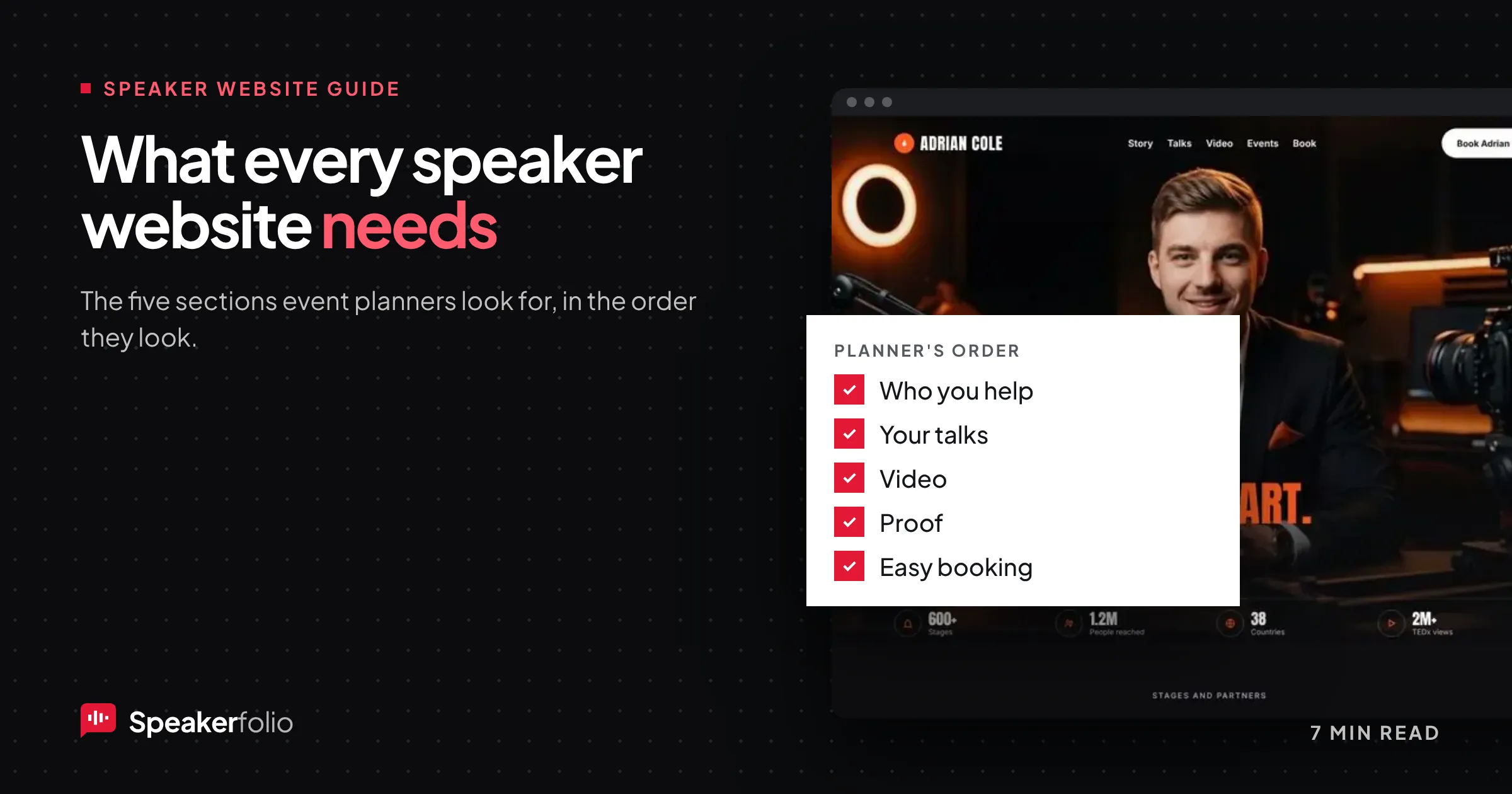
Event planners decide in a few minutes. They open your site with one question in mind: can this person do the job for my audience? Everything on your speaker website should help them answer yes, quickly, and in the order they look.
Most speaker sites have the right pieces in the wrong order. The video sits three scrolls down, the talks are hidden under "Services", and the only way to book is an email address in the footer. This guide covers the five sections every speaker website needs, where each one goes on the page, and examples you can copy.
If you want the full 16-point audit, read the motivational speaker website checklist. This article is the short version: the five sections that matter most, and how to lay them out.
Why the order of your speaker website matters
Planners rarely read a speaker site from top to bottom. They scan for answers, and they stop as soon as one is missing. A typical visit goes like this:
- Who is this, and what do they talk about? Answered by the first line on the page.
- Is the topic right for us? Answered by your talks.
- Are they good on stage? Answered by video.
- Can we trust them? Answered by proof from other organizers.
- How do we book? Answered by a form or a clear next step.
Put your sections in that order and the page does the planner's thinking for them. Put them in any other order and you make the planner hunt.
The 5 sections every speaker website needs
| # | Section | What it answers | Where it goes |
|---|---|---|---|
| 1 | A clear line about who you help | "Who is this?" | Top of the page, first thing seen |
| 2 | Your talks, with takeaways | "Do they fit our event?" | Straight after the opening |
| 3 | Video | "Are they good on stage?" | Near the top, next to or under the opening |
| 4 | Proof from people who booked you | "Can we trust them?" | After talks and video |
| 5 | An easy way to book | "How do we book?" | In the menu and at the end of the page |
1. A clear line about who you help
Not "Speaker, author, coach". Say what you talk about and for whom. Planners skim, so one line has to place you.
- Weak: "Inspiring audiences to reach their full potential."
- Strong: "Keynotes on hybrid leadership for engineering teams."
- Strong: "Resilience talks for nurses and frontline healthcare staff."
Under that line, add one sentence on what makes you different (your story, your method or your results) and two buttons: Watch me speak and Check availability.
A good test: cover your photo and read the line on its own. If a planner could forward it to their boss with "this is the speaker I mean", it works.
2. Your talks, with takeaways
List two to four talks. For each one, give:
- A title a planner could drop straight into an agenda.
- One sentence on the problem it solves for the audience.
- Three things the audience will leave with. This is the part planners copy into their proposal.
- Formats: keynote, workshop, virtual, half-day.
Here is what a talk block can look like:
The 90-Second Reset: staying calm when the pressure is on For frontline teams who make high-stakes decisions every day. Your team will leave with a breathing routine they can use mid-shift, a script for handing over under pressure, and a 30-day habit plan. Keynote (45 min) · Workshop (half day) · Virtual
Fewer, sharper talks beat a long list. Twelve topics makes you look like a generalist; three focused ones make you look like the expert.
3. Video near the top
A two-minute reel or a full talk on YouTube is how planners judge quality. They want to see how you hold a room before they risk their event on you.
Put the video high on the page, not on a separate "Media" tab. Show a real audience, keep it recent, and make sure it plays on a phone without zooming. If you only have event recordings and phone clips, our guide to making a two-minute speaker reel from footage you already have shows you how to cut them together.
4. Proof from people who booked you
Logos of organizations you've spoken for, and two or three short quotes from organizers, with their name, role and event. Specific beats glowing:
- Weak: "Amazing speaker! Highly recommend."
- Strong: "Our highest-rated session of the day. Teams were still quoting her reset routine a month later." Head of People, Northwind, Leadership Summit 2026.
Only show logos you have permission to use, and keep them honest. If you don't have organizer quotes yet, read how to ask for speaker testimonials right after the event.
5. An easy way to book
A short form that asks for date, location, audience size and budget range. Every extra field costs you enquiries, so ask only what you need to reply.
- Put Book [your name] in the top menu, not just the footer.
- Repeat the booking button at the end of the page.
- Say what happens next: "I reply within one working day with availability."
An email address on its own is not a booking path. Planners want to send the details once and know someone will answer.
A one-page speaker website layout you can copy
Most speakers don't need ten pages. One well-ordered page does the job, and it's easier for planners to forward. Here's the layout we use on every Speakerfolio template:
| Order | Section | What goes in it | Length |
|---|---|---|---|
| 1 | Header | Your name, menu, Book me button | One line |
| 2 | Opening | Who you help, one line on what's different, two buttons | 2 to 3 lines |
| 3 | Video | Reel or best full talk | 2 to 4 minutes of video |
| 4 | Talks | 2 to 4 talks with takeaways and formats | One short block each |
| 5 | Proof | Logos and 2 to 3 organizer quotes | One row plus quotes |
| 6 | About | Short bio with a Copy bio button | About 100 words |
| 7 | Booking | Short form, what happens next | 5 to 6 fields |
| 8 | Footer | Email, social links, one-sheet download | One line |
If you have a book, a podcast or many talks, add pages later. Start with the one page that answers the five questions.
Single page or multiple pages?
A single page is best when you're starting out or have up to four talks. It loads fast, works well on phones, and planners can send one link to their committee.
Multiple pages make sense when you have a lot to show: one page per talk, a media page, a blog. Separate talk pages can also help you show up in search for specific topics, such as "resilience speaker for nurses". Keep the five essentials on the home page either way.
Common speaker website mistakes
- Opening with your life story. Your story matters, but planners need to know your topic first.
- Video hidden on another page. If they have to click "Media", many won't.
- Talks without takeaways. A title alone doesn't tell a planner what their people get.
- Anonymous testimonials. "Great talk! J." doesn't reduce anyone's risk.
- No booking form. An email address alone loses enquiries.
- Out-of-date content. A calendar that ends three years ago makes you look inactive.
Frequently asked questions
What does a speaker website need?
A speaker website needs five things: a clear line about who you help, your talks with audience takeaways, video near the top, proof from organizers who booked you, and an easy way to book. Put them in that order, because it's the order planners look.
Should my speaker website be one page or several?
One page is enough for most speakers, especially with up to four talks. Add separate pages for each talk, media or a blog when you have more to show or want to rank for specific topics.
Where should video go on a speaker website?
Near the top of the home page, close to your opening line. Planners judge quality from video first, so don't hide it on a separate media page.
How many talks should I list?
Two to four. A few focused talks make you look like the expert on those topics; a long list makes you look like a generalist.
What should a speaker booking form ask?
Name, organization, email, event date and location, audience size, topic of interest and an optional budget range. Keep it short and say when you'll reply.
Build your speaker website the planner-friendly way
A speaker website isn't a brochure. It's where a planner decides whether to take the next step. Put the five sections in the order planners look, keep them current, and make booking easy.
Every Speakerfolio site is built around these five sections. Get your free speaker website, live in about two days, with a private preview before anything goes live.

Saleh is a UI/UX and web designer with more than five years of experience and the founder of Speakerfolio, where he builds websites that help speakers get booked. He specialises in conversion-focused design and on-page SEO.
Connect on LinkedIn